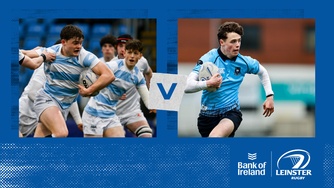
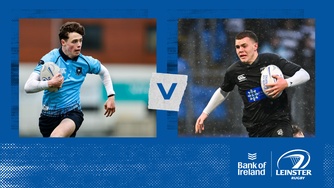
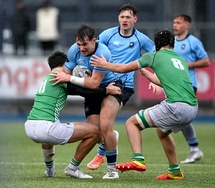
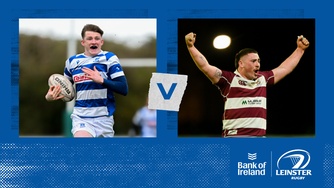
Leinster A v Ulster A
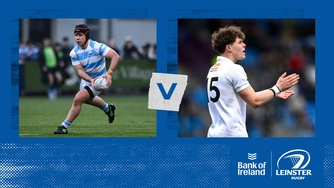
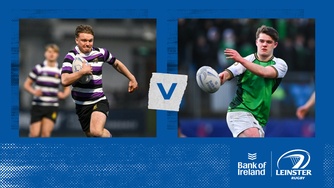
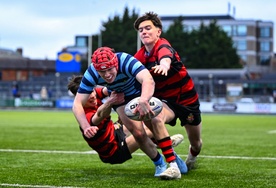
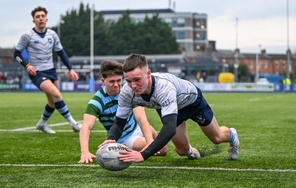
St Mary's College Vs Blackrock College - Replay
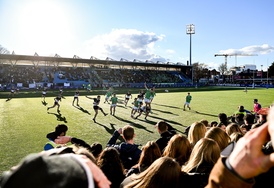
12 Counties One Club - Episode 10 | Kilkenny RFC
Remember this feeling - Episode 6

Featured

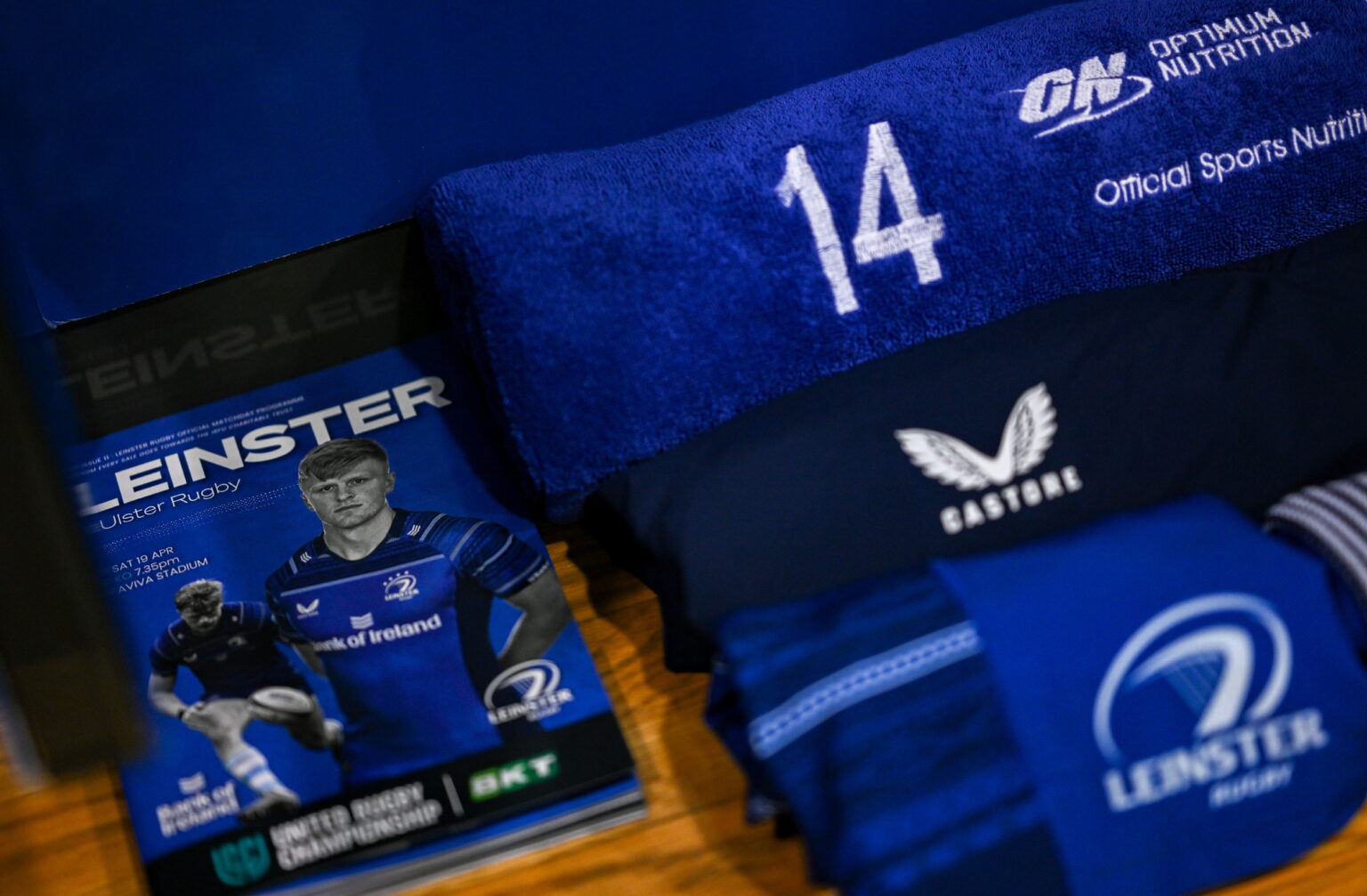
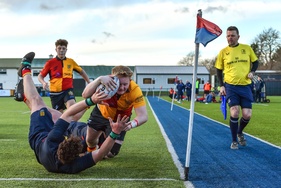
Leinster A v Ulster A

IRFU 'A' Inter-Provincial Championship. Watch the full match.

Featured

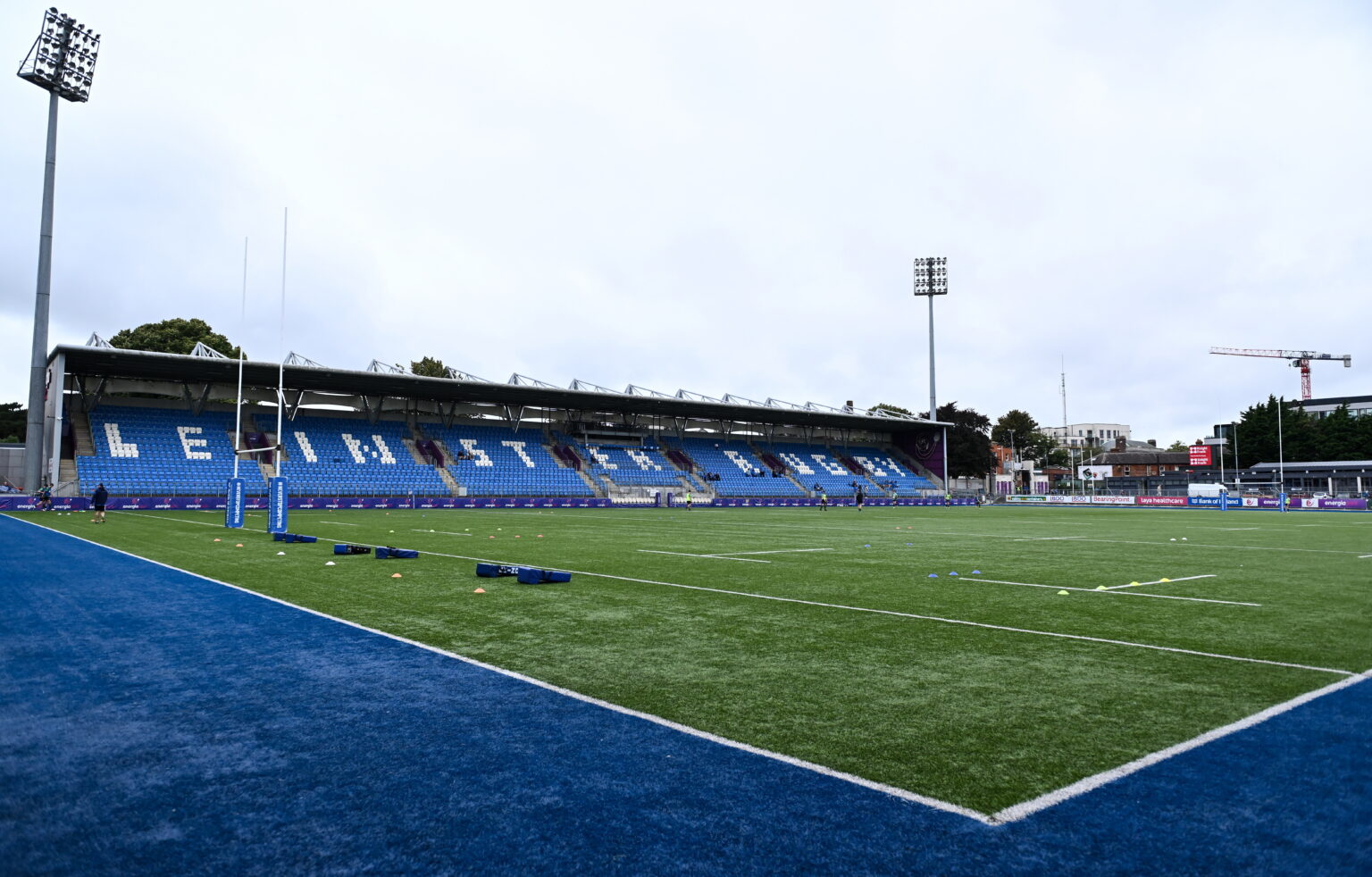
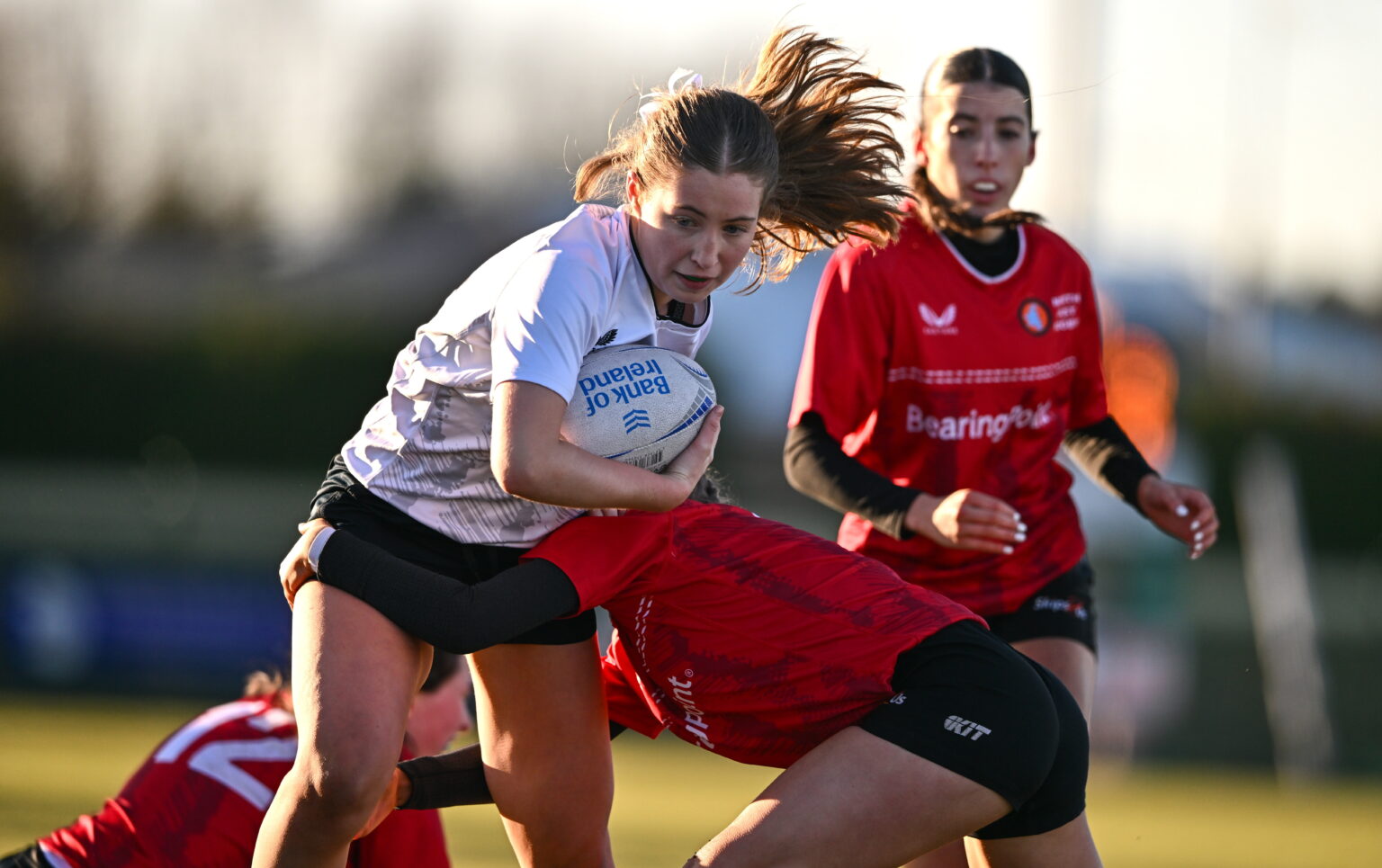
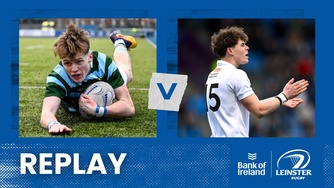
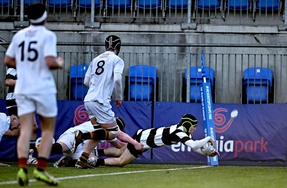
St Mary's College Vs Blackrock College - Replay

Bank of Ireland Leinster Rugby Boys Schools Senior Cup. The replay, in full.

Featured

12 Counties One Club - Episode 10 | Kilkenny RFC

12 Counties, One Club. Episode 10 visits Kilkenny RFC.

Featured

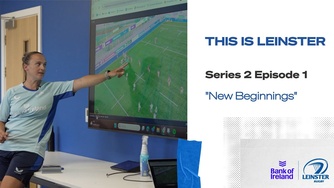
Remember this feeling - Episode 6

The Season 2 finale of This is Leinster, in association with Bank of Ireland.

Search team, competition, or event

Magnifier

Leinster Originals

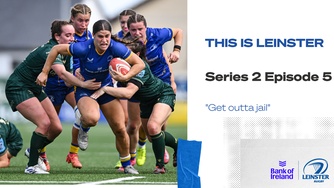
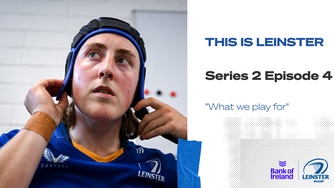
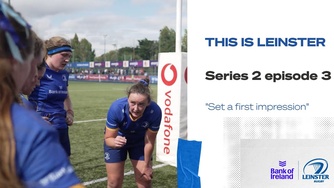
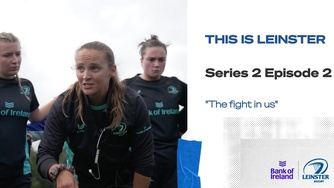
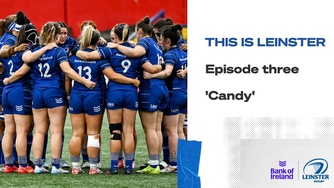
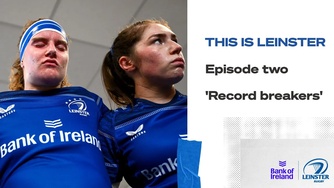
This is Leinster

Two seasons inside the squad, in association with Bank of Ireland.

Watch Season 2

Inside the squad

Behind the Scenes

Derby weeks and European away days, from inside the camp.

Go behind the scenes

Frequently asked questions

Everything you need to know, in one place.

First, you must sign up to the platform with an email or Google/Facebook account. Once this crucial step is done you can select the event you want to play, and it will bring you to the payment page.

Here you will be able to purchase a bundle also if it is available.

Bundles can be purchased under the offers page. This is located on the top right of the platform.

Equally, bundles can be purchased as an option when clicking into purchase a singular event.

You can watch back the on-demand version of an event or highlights by clicking on the Event you want to watch under the latest events header.

Equally, you can head to my events in your account to get a list of all the events you have access to and can watch on-demand.

Once you purchase an event you will be able to watch that event up to 10 times.

Some smart TVs are not supported by the platform. We recommend you try viewing on a different device and cast it to your TV, or alternatively access the event on your laptop and connect your laptop via HDMI to your TV.

If your device uses any of the following web browsers, it will be compatible with our platform:

  • Windows - Chrome, Firefox, Microsoft Edge
  • OS X - Chrome, Firefox, Safari
  • Xbox - Edge
  • Android 5.0+ - Chrome, Firefox
  • iOS 7+ - Safari

At this date, we don't currently support Chromecast. We recommend, however, that you cast the Event to your TV using Screen Mirror (iOS Devices) or Smart View (Android Devices).

For iOS

For Android

Some smart TVs are not supported on the platform. We recommend you try logging in and purchasing the Event on another device first.

Yes, you can change devices but will be logged out from the first one when you log into a second device.

Not with the same account. The platform will automatically log out of a device so that only one device can view the Event at a time.

If your device uses any of the following web browsers, it will be compatible with our platform:

  • Windows - Chrome, Firefox, Microsoft Edge
  • OS X - Chrome, Firefox, Safari
  • Xbox - Edge
  • Android 5.0+ - Chrome, Firefox
  • iOS 7+ - Safari